













New The AI landing page creator is live now Discover it now

An Article About the Storeilo App

An Article About the Storeilo App

Welcome to storeino. In the following article, we'll walk you through a remarkable app that lets you import products from various platforms into your store in just a few minutes.

What will the extension on Storeilo help you do?

It helps you add large numbers of products from several popular websites, namely:

Shopify

Shopify

AliExpress

AliExpress

YouCan

YouCan

Jumia

Jumia

 Amazon

Amazon

AliBaba

AliBaba

How do we easily get started using this extension?

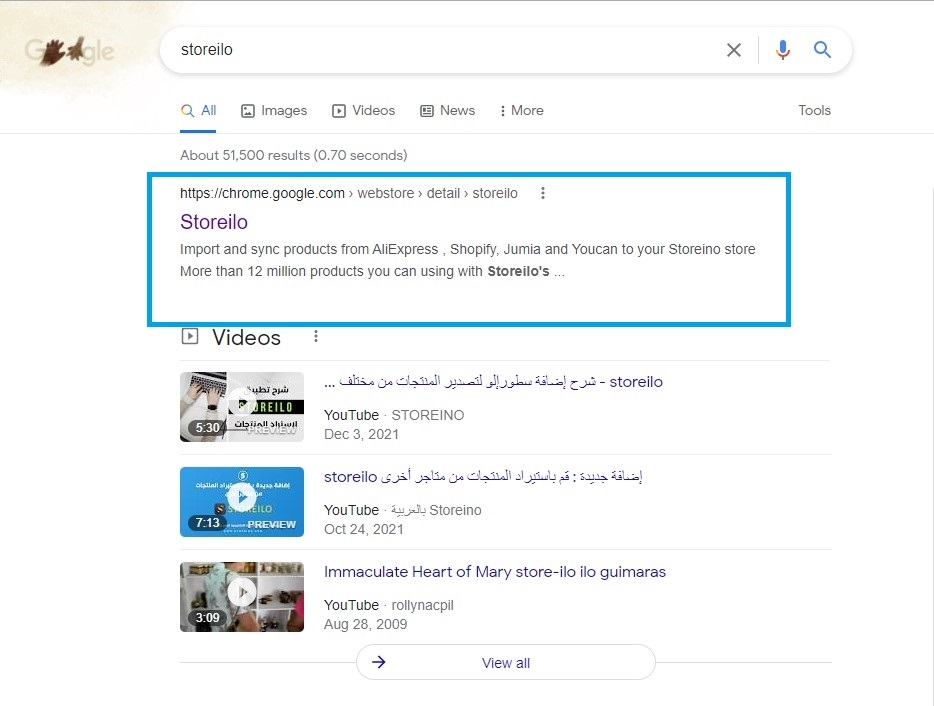
First, all you need to do is open a new web page and search for the word 'Storelio' on Google

Step:1

First, all you need to do is open a new web page and search for the word 'Storelio' on Google

After the various options appear in the Google search engine, we'll choose the first option, which is storeilo

Step:2

After the various options appear in the Google search engine, we'll choose the first option, which is storeilo

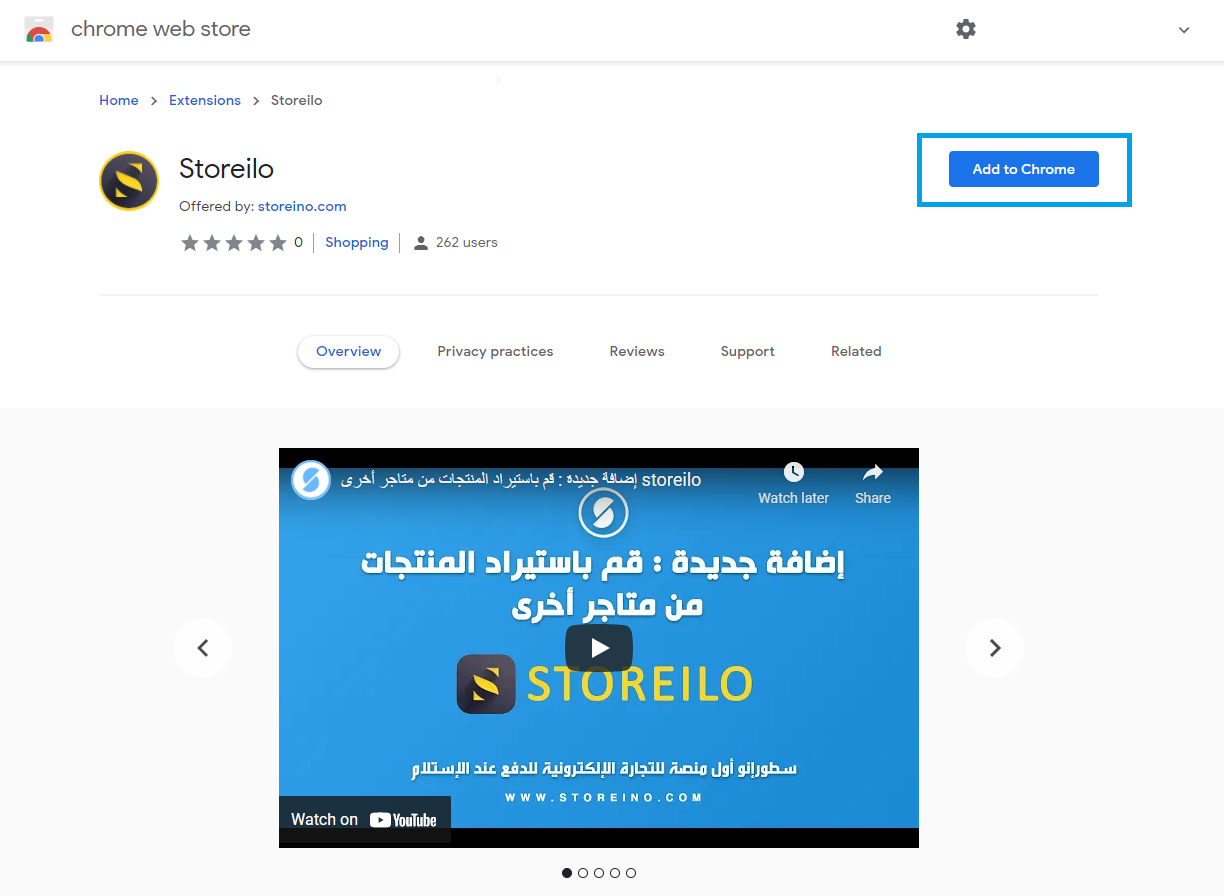
Then simply start by installing the Storeilo app

Step:3

Then simply start by installing the Storeilo app

By the way, it's a simple extension that you add to the Google Chrome browser's toolbar quite smoothly. You can also add the same extension to the Mozilla toolbar or in the Microsoft browser

Step:4

By the way, it's a simple extension that you add to the Google Chrome browser's toolbar quite smoothly. You can also add the same extension to the Mozilla toolbar or in the Microsoft browser

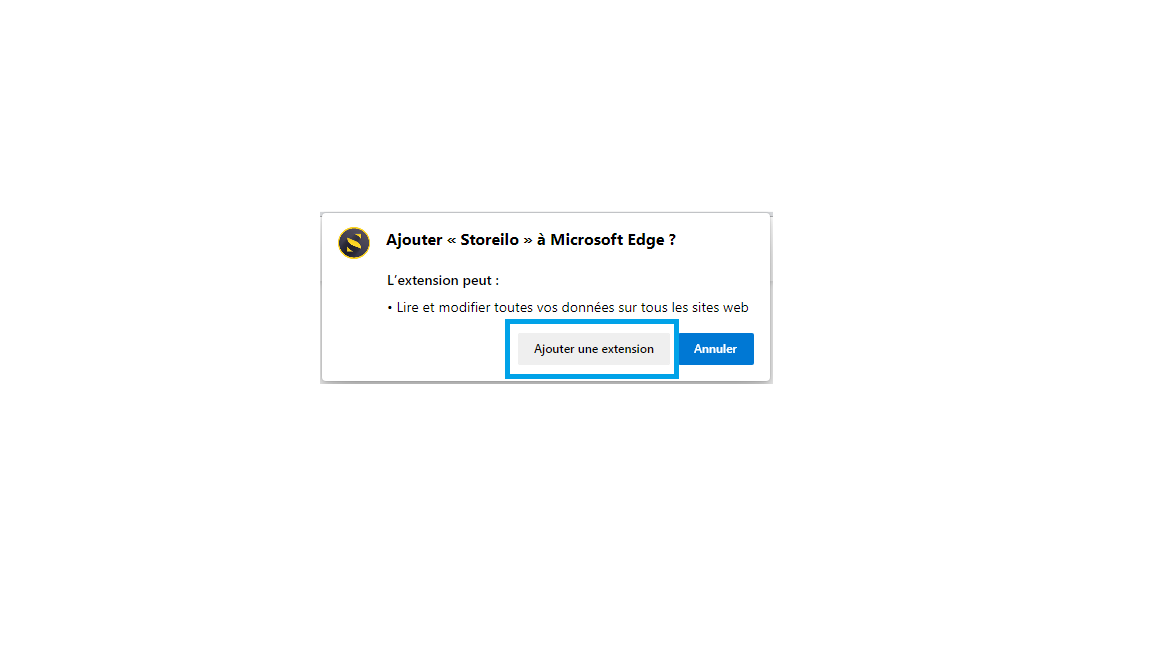
Once you've installed the extension, click on the words Add Extension

Step:5

Once you've installed the extension, click on the words Add Extension

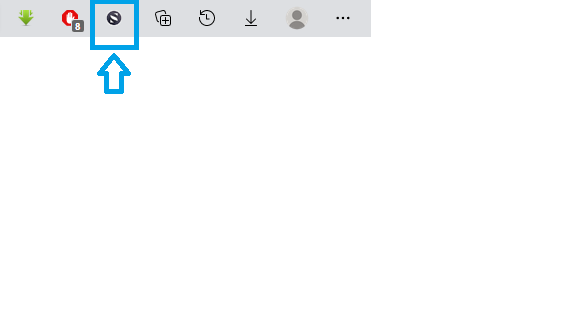
The extension will then start appearing in the toolbar

Step:6

The extension will then start appearing in the toolbar

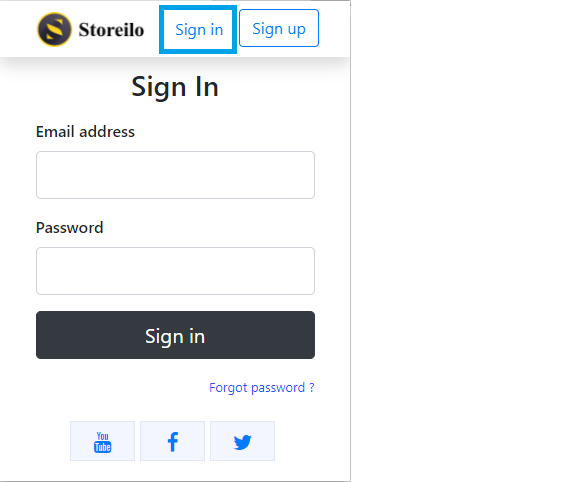
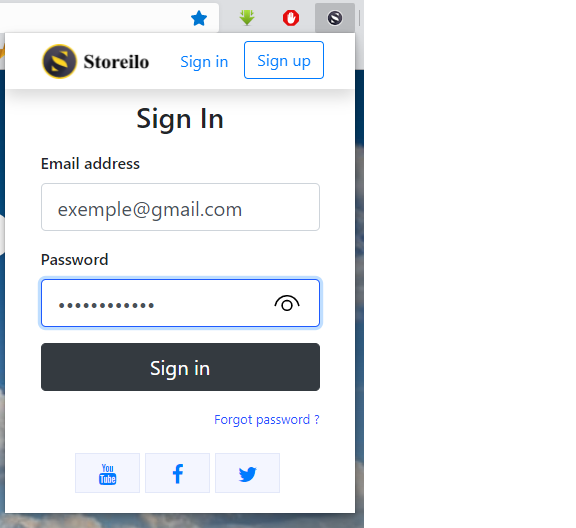
Click on it, then start registering your details by clicking on Register Now

Step:7

Click on it, then start registering your details by clicking on Register Now

Enter your email, your full name, and then your password, then click on sign up

Step:8

Enter your email, your full name, and then your password, then click on sign up

Confirm your email through your email inbox via Gmail if you use Gmail

Step:9

Confirm your email through your email inbox via Gmail if you use Gmail

Once you've completed this step, open a new browser tab and type <a class='text-blue-500' href='https://storeilo.storeino.com/'>www.storeilo.storeino.com</a>

Step:10

Once you've completed this step, open a new browser tab and type www.storeilo.storeino.com

Enter all the details of the email you created along with your password, then wait a moment

Step:11

Enter all the details of the email you created along with your password, then wait a moment

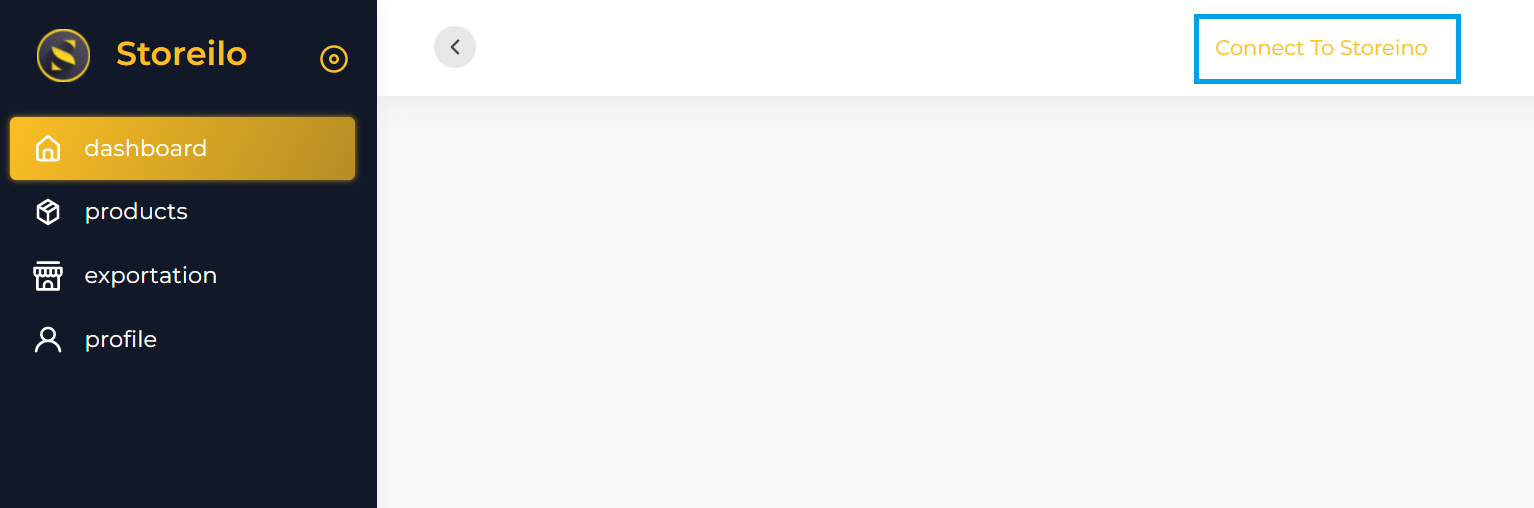
After logging in to the Storeilo platform, you'll now click on the words Connect to storeilo

Step:12

After logging in to the Storeilo platform, you'll now click on the words Connect to storeilo

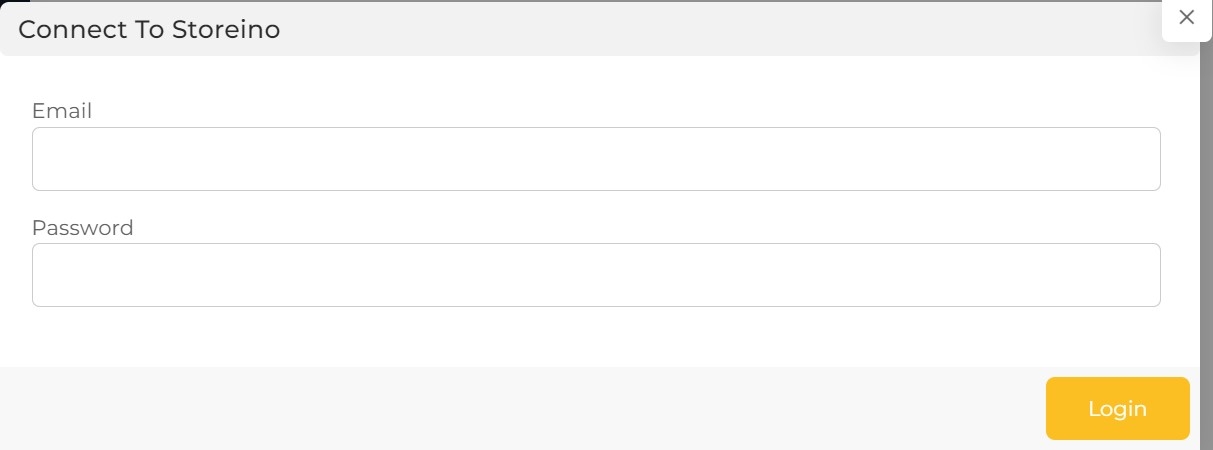
This is to log in to your online store

Step:13

This is to log in to your online store

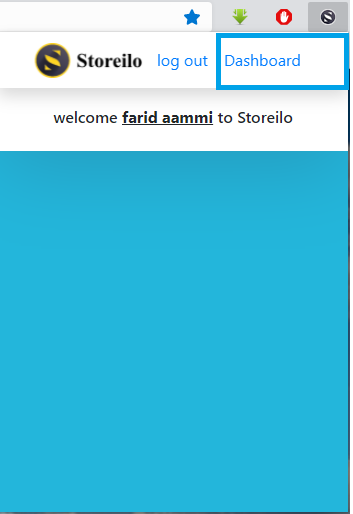
After logging in to your online store, click on the extension at the top and fill in your details to register them on the extension

Step:14

After logging in to your online store, click on the extension at the top and fill in your details to register them on the extension

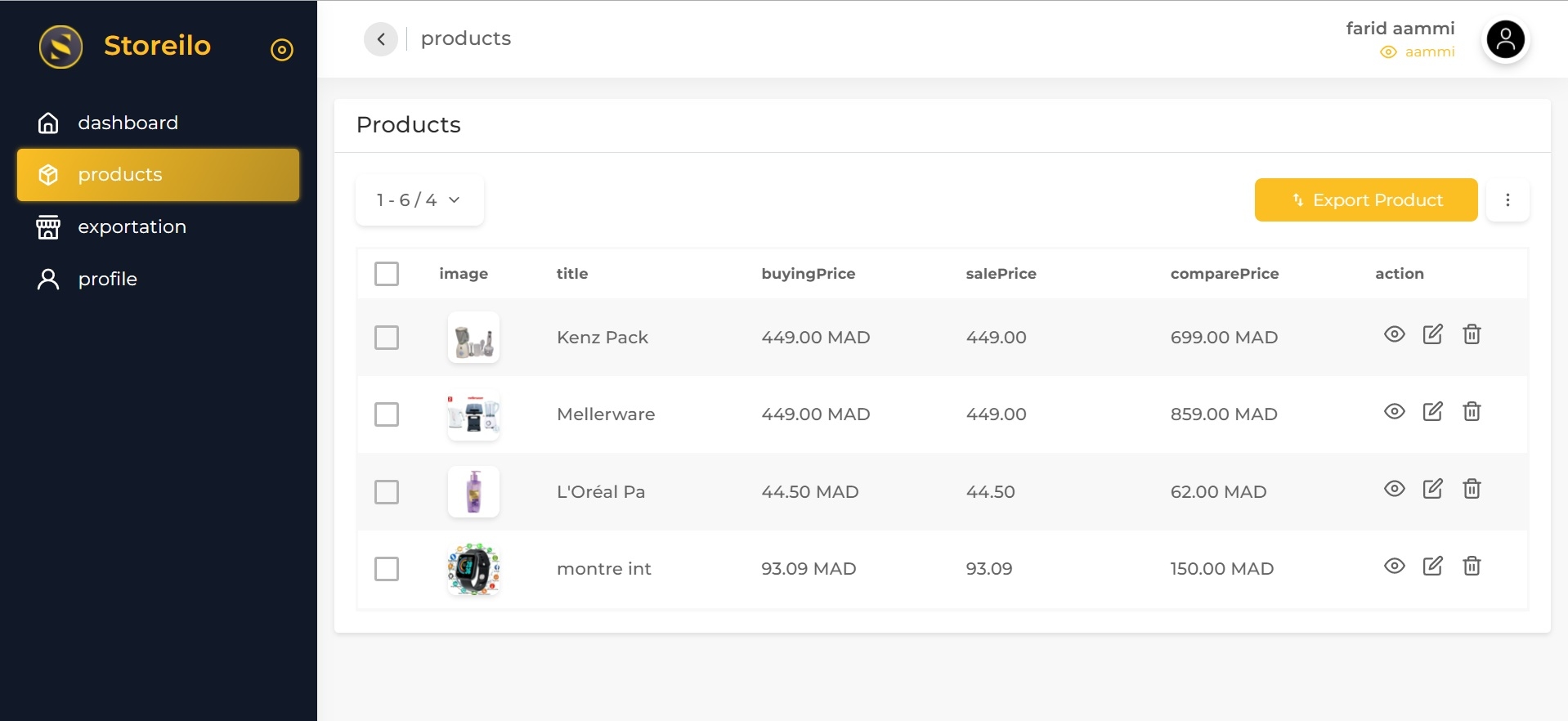
Then click on the word Dashboard

Step:15

Then click on the word Dashboard

This is so you can start adding your products

Step:16

This is so you can start adding your products

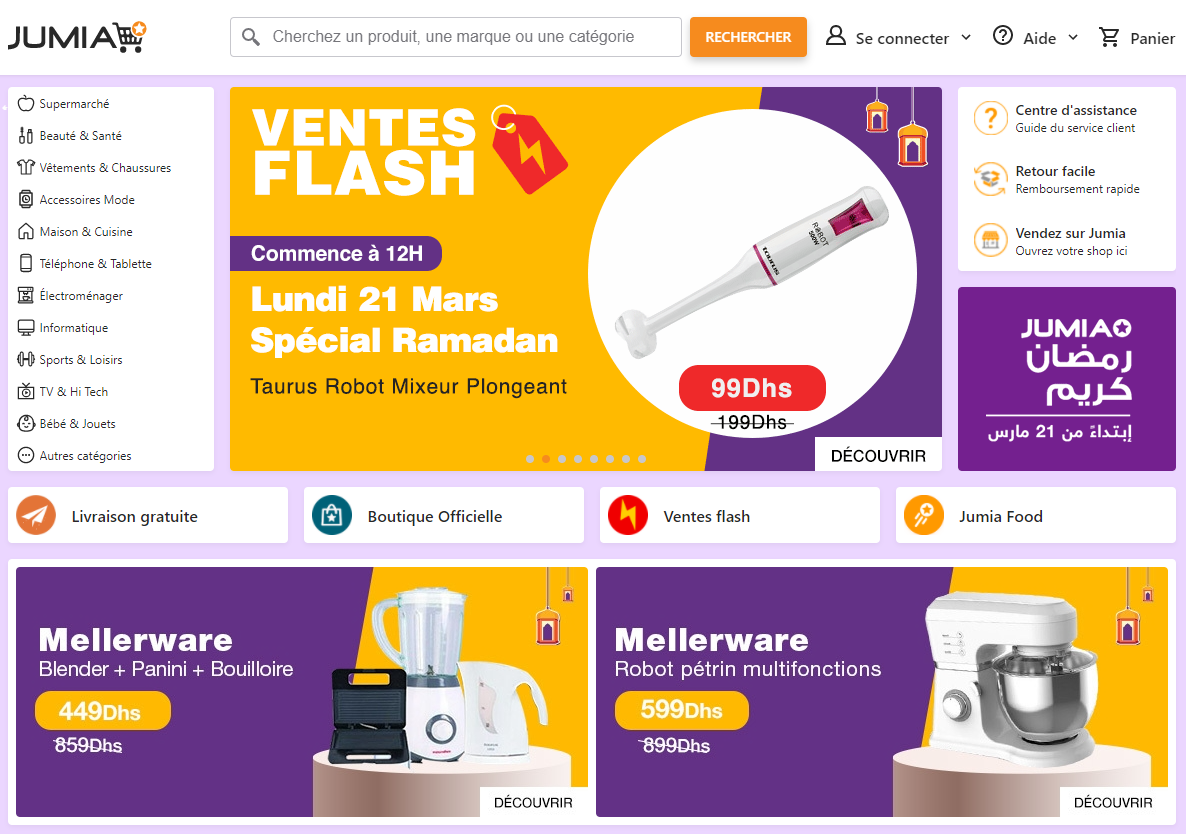
Once you've completed all these steps, you can start browsing any of the four websites mentioned earlier: AliExpress, Shopify, Jumia, or YouCan

Step:17

Once you've completed all these steps, you can start browsing any of the four websites mentioned earlier: AliExpress, Shopify, Jumia, or YouCan

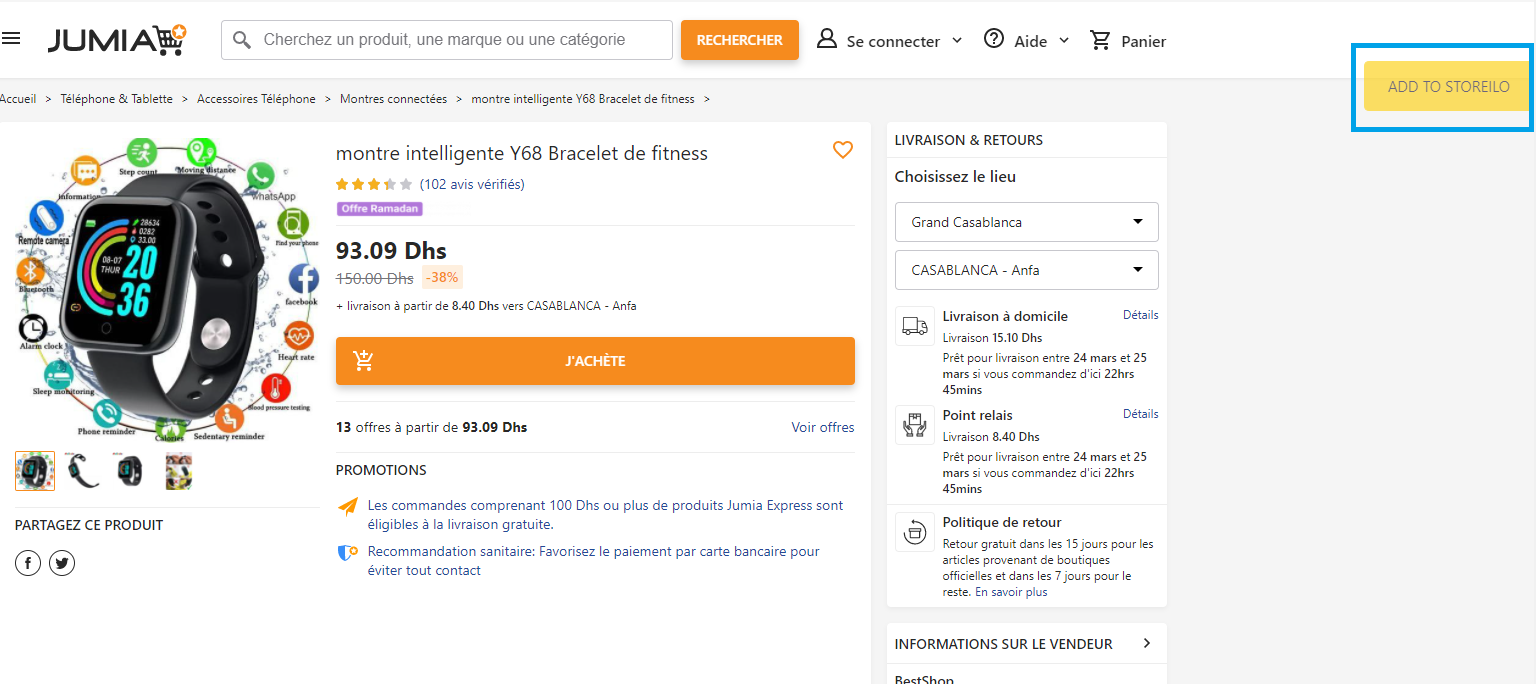
When you enter these platforms, you'll find the words Add to Storeilo on the right

Step:18

When you enter these platforms, you'll find the words Add to Storeilo on the right

If you click on Add to Storeilo, you will have added the product whose page you're currently on from any of the four websites mentioned above

Step:19

If you click on Add to Storeilo, you will have added the product whose page you're currently on from any of the four websites mentioned above

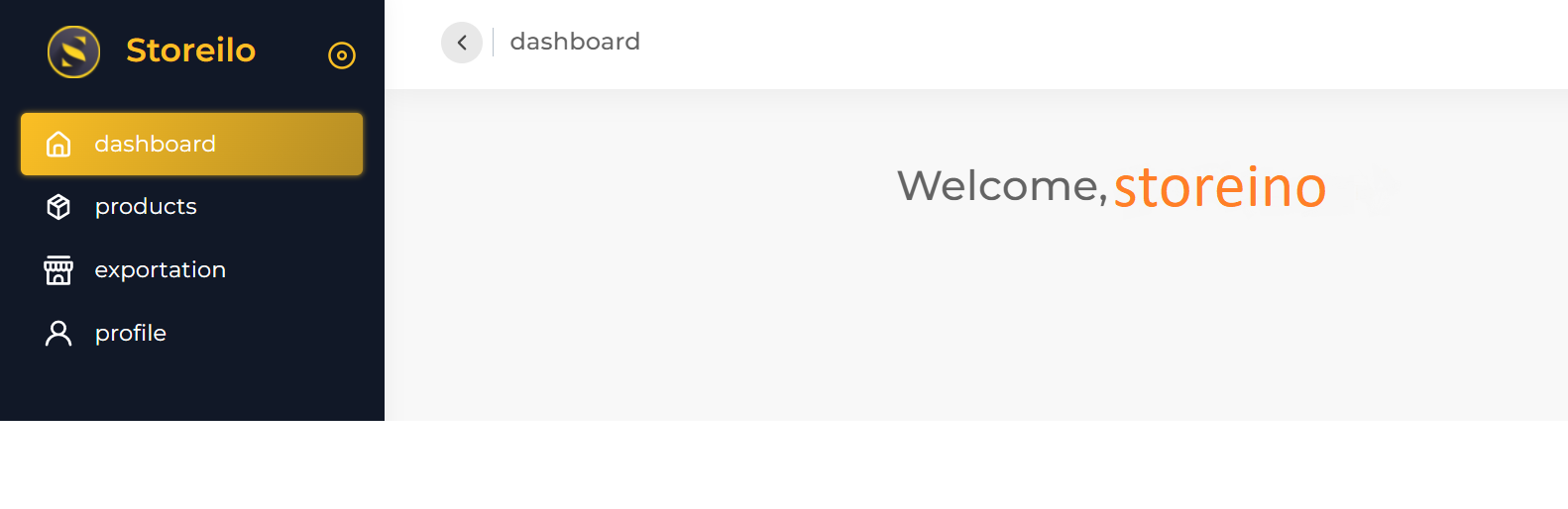
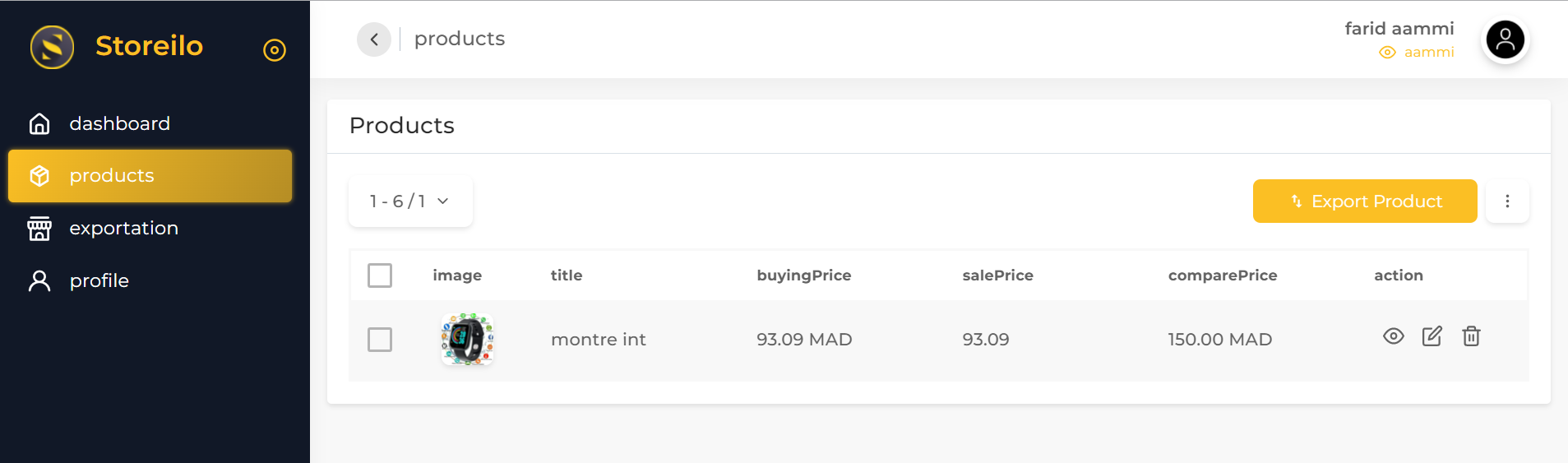
Go back and click once more on the Dashboard, where you'll find that the product you wanted to add has already been added, quite easily

Step:20

Go back and click once more on the Dashboard, where you'll find that the product you wanted to add has already been added, quite easily

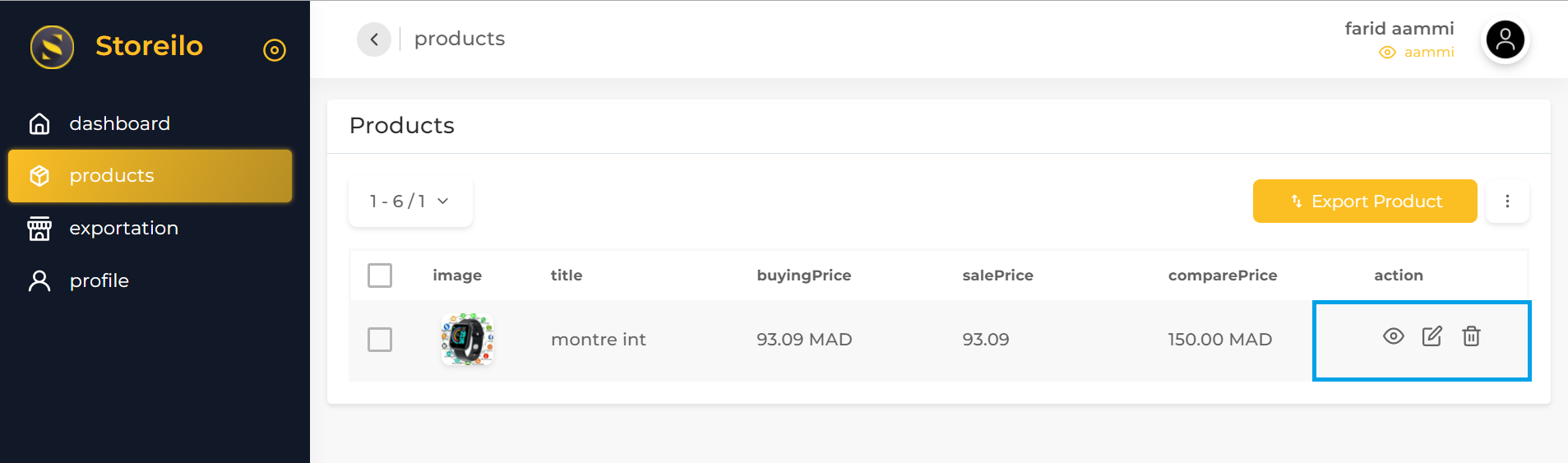
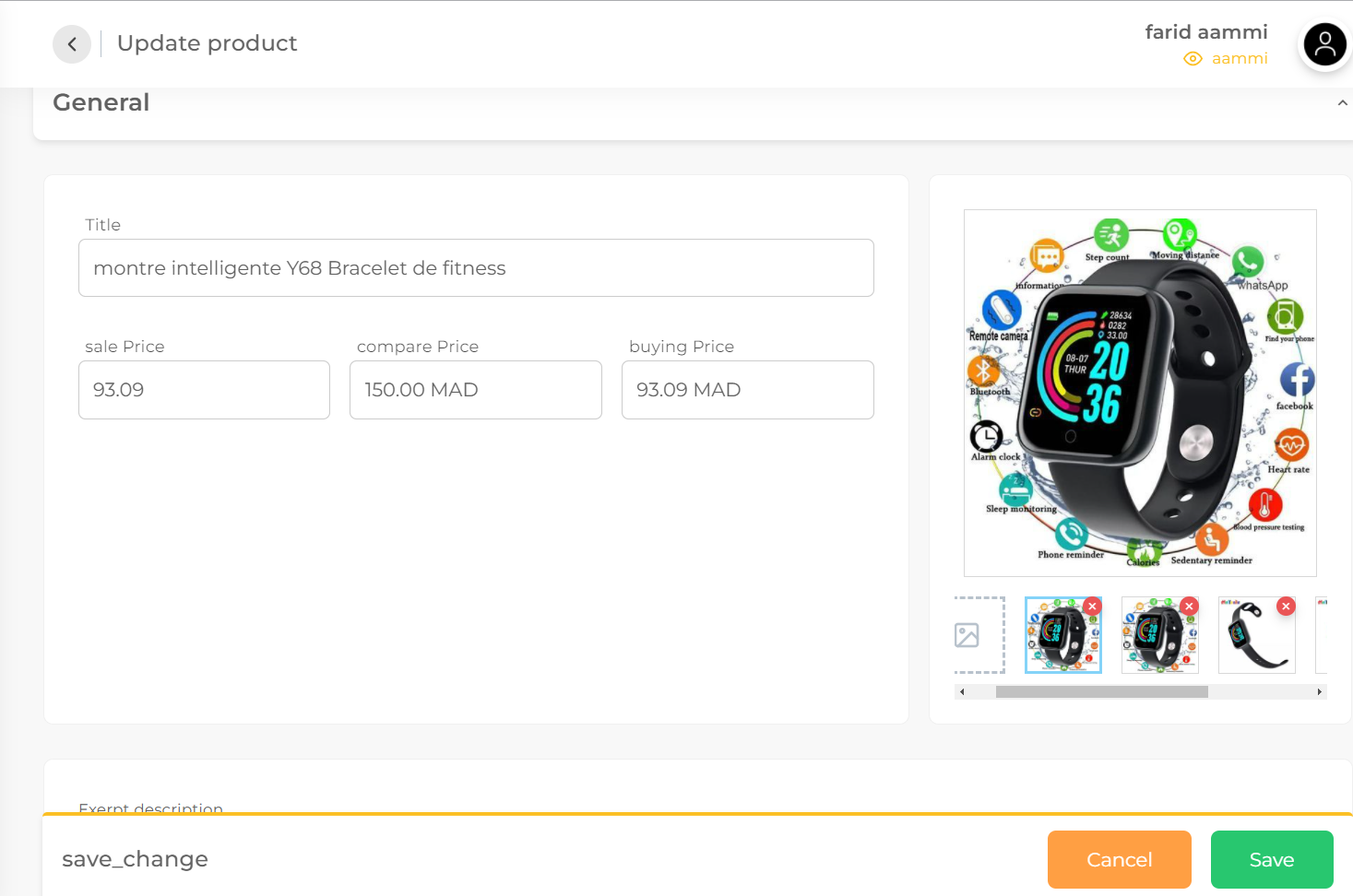
You can simply delete any images you don't want, or you can also edit the images entirely however you like, quite easily

Step:21

You can simply delete any images you don't want, or you can also edit the images entirely however you like, quite easily

You can also edit the title to match whatever you want to display, quite easily and without any real hassle

Step:22

You can also edit the title to match whatever you want to display, quite easily and without any real hassle

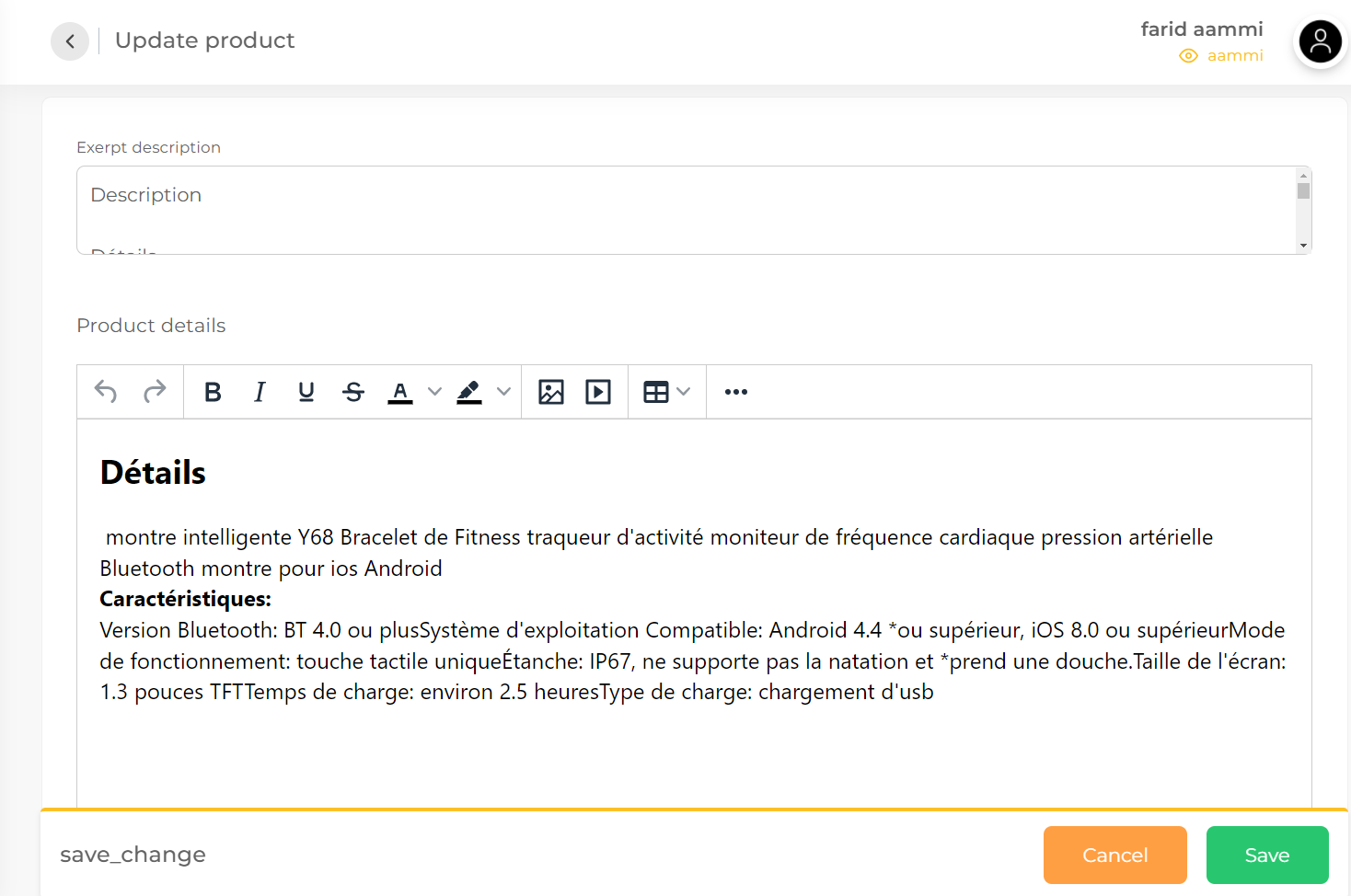
You can also change the description and change the price very easily

Step:23

You can also change the description and change the price very easily

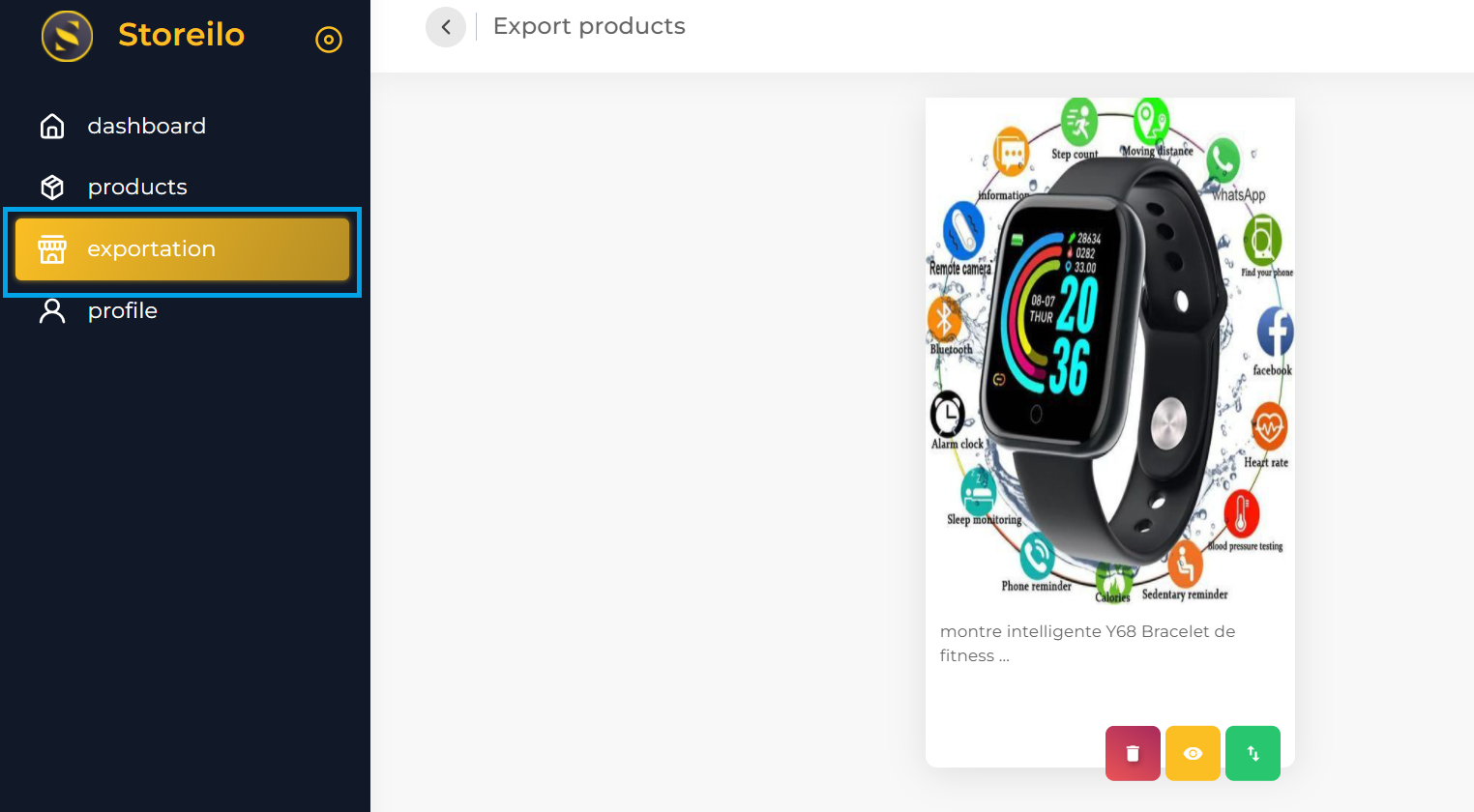
You can import and export products from any of the four platforms very easily by clicking on exportation

Step:24

You can import and export products from any of the four platforms very easily by clicking on exportation

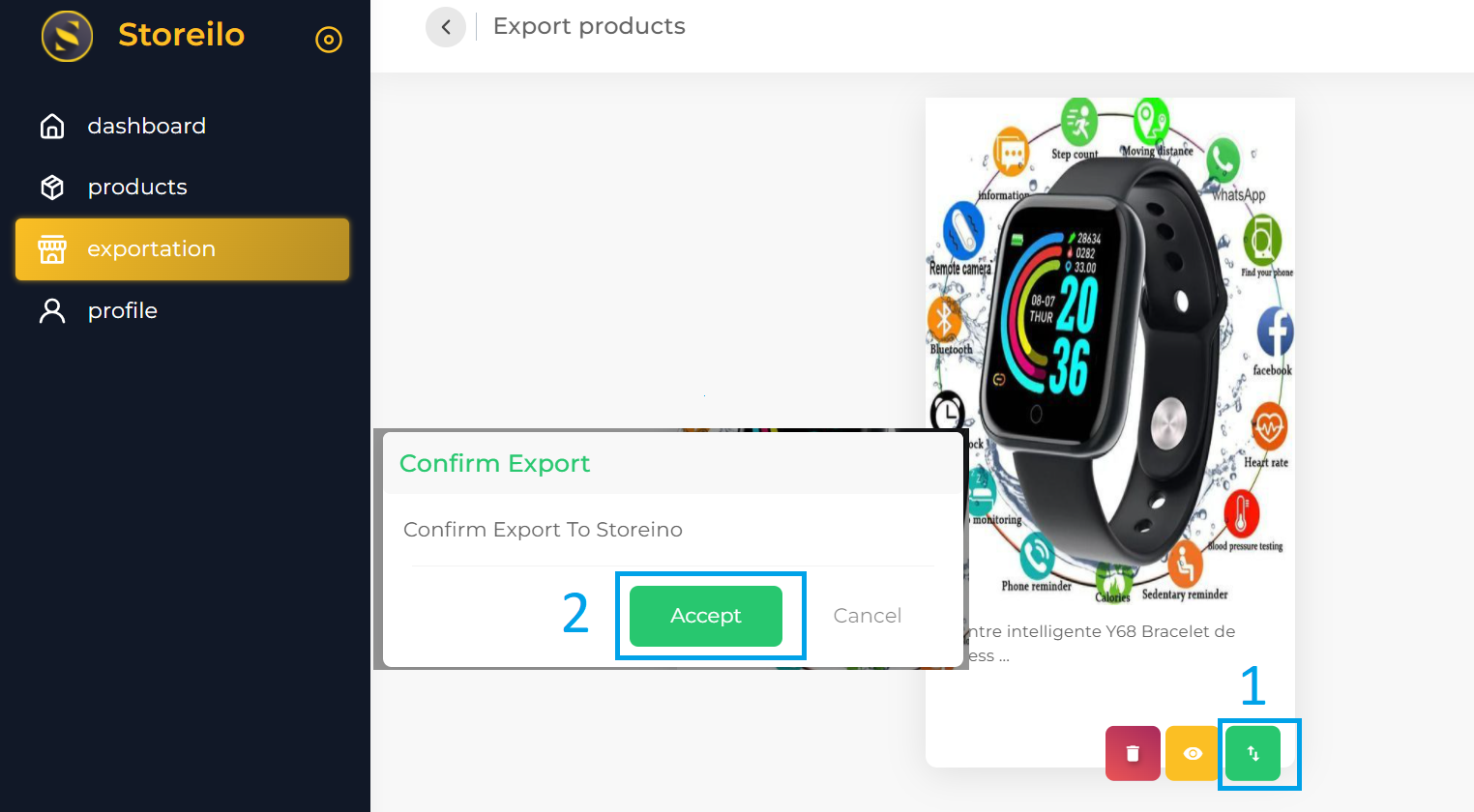
Below the image of the product you want to publish, you'll find a green button on the right. All you need to do is click on this button and click on the word Accept

Step:25

Below the image of the product you want to publish, you'll find a green button on the right. All you need to do is click on this button and click on the word Accept

Then select the product you want to publish

Step:26

Then select the product you want to publish

You have now published the product without any hassle at all

Step:27

You have now published the product without any hassle at all

Mobile

Run your store.
From anywhere.

Full control of your store, wherever you are. Track your sales, manage your orders, and stay in touch with your customers effortlessly. Everything you need to run your business in a single app.

  • Real-time order alerts
  • Daily revenue at a glance
  • Manage stock on the go
  • Confirm orders in one tap
Order fulfilled Ships tomorrow, 10am
New order +$89.00 · 2 min ago
Storeino
Today's overview
Sales
$2,840
Orders
+47